Intro
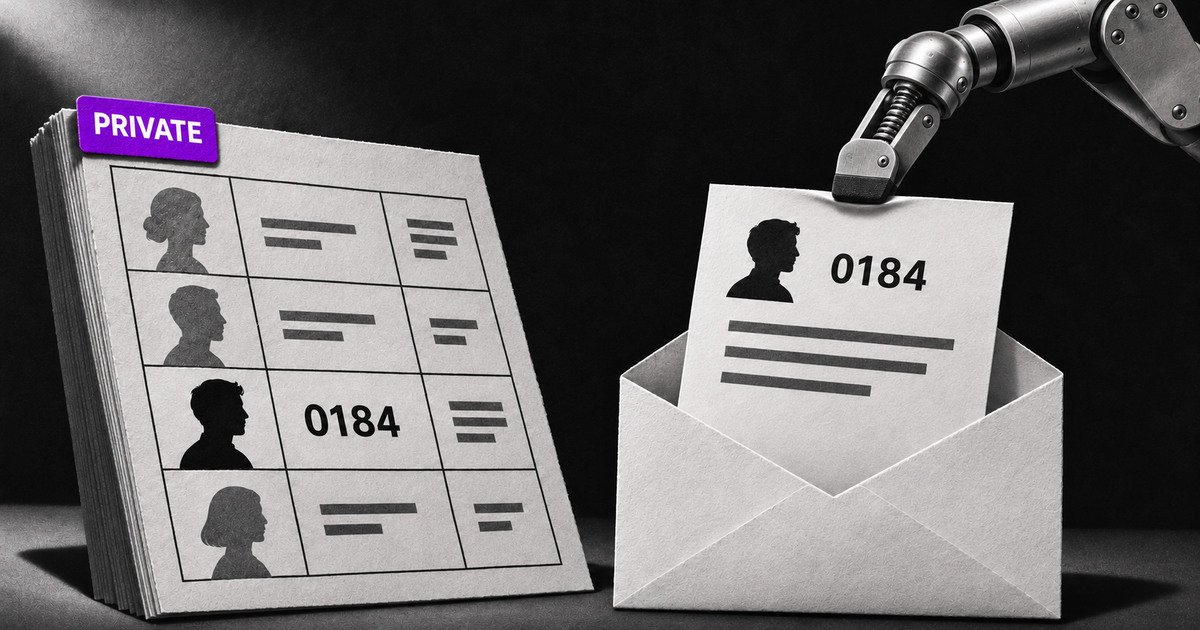
One of the security disciplines most tested by AI agents is Data Security Posture Management (DSPM), and the unintended sharing of personal or sensitive data across or outside of an organization. Agents manipulate data in ways that make sensitive data impossible to detect using traditional approaches, so rolling sensitive data protection into your overall strategy for AI agent adoption is key to adopting AI agents safely and at pace.
Why traditional DSPM doesn’t transfer to AI agents
DSPM finds and classifies your sensitive data, and DLP (data loss prevention) stops it from leaving. These solutions rely on two clues about what a piece of data is:
- What the data looks like, such as a card number or an ID
- What the data is attached to, such as a label or a tag
And when it comes to crossing system boundaries, approaches to moving data that have been used without agents, such as copying a file, are still captured in traditional DSPMs. But agents process the data differently.
Instead of copying files, agents read the content, rewrite it, and write it somewhere new. Each of those steps can drop the original, traditional DSPM label or change how the data looks so DSPM is unable to keep track of it. This means you won’t see when your data is being handled inappropriately.
Data labels and tags
Metadata and labels are clues that sit next to the data, but in the case of agents, data can be moved around such that tags and labels are no longer able to stay attached.
Say an agent reads a Word report labeled Confidential, writes its findings to a markdown file, and pastes a summary into a ticket. The Word file keeps its label, but the markdown file and ticket don’t have options for such labels. Microsoft’s docs say a label that does not encrypt can go on sales.pdf but not on sales.txt, and the list of file types that take a label on their own has no.csv, .json or .md (Microsoft Learn). The ticket is just text in another system.
Snowflake and Databricks can copy a tag from a table to the tables built from it. Each tag must be switched on, and it can only work with certain SQL statements such as CREATE TABLE... AS SELECT (Snowflake, Databricks). An agent that queries a column with one of those tags and saves the result as a CSV never runs one of the statements required for the tag to work, so the new CSV is invisible to the DSPM.

Pattern matching and fingerprinting
Pattern matching and fingerprinting all need the content to still look the way it did in order to catch it on the way out. Scanners look for data that looks like what it is, but a model can change what data looks like.
Example 1: Base64 in ChatGPT Deep Research
Radware researchers sent an email with hidden instructions, invisible to a human reader, aimed at ChatGPT’s Deep Research agent. When the victim later asked the agent to work through their inbox, it read the email and followed the instructions. The instructions told the agent to collect personal details and send them to a web address the attacker controlled, by placing the data inside the link.
At first, the agent refused to put raw personal data into a URL. Then the email told it to encode the data in Base64 first and described that as a security step. After that, the attack worked every time.
The model did the encoding before the request reached the tool layer. In Radware’s words, the layer below “only saw a harmless encoded string rather than raw PII” (Radware).
Example 2: Hex in Microsoft 365 Copilot
Security researcher Adam Logue hid instructions inside an Excel document. When a user asked Copilot to work with the document, it followed the hidden instructions. The instructions told Copilot to fetch the user’s recent emails and convert them to hex, a string of numbers and letters that no longer reads like email text.
Copilot then placed that string inside a Mermaid diagram, a chart format Copilot can draw in chat. The diagram showed a fake login button, and the hex data was tucked into the button’s link. A click would send the encoded emails to an address Logue controlled.
As in the first example, the data left in a form a scanner would not recognize (Adam Logue, The Register).
Agents work across systems, and each system only sees its own side
Another reason why traditional DSPM tools have a hard time detecting PII problems with agents is that an agent often reads from one place and writes to another. Each system’s controls see only the part that happens inside that system, so nobody sees the whole movement of data.
Example: the GitHub MCP server
Invariant Labs showed how this plays out (Invariant Labs):
- A user connects an agent to GitHub through the GitHub MCP server. The agent can access both the user’s public and private repositories.
- The user asks the agent to look at the open issues in a public repository.
- One of those issues is written by an attacker and contains hidden instructions.
- The instructions tell the agent to read the user’s private repositories.
- The agent then posts what it found in a pull request on the public repository, where anyone can read it.
Why nothing stopped it
- Every permission was correct. The agent had legitimate access to both repositories.
- The data moved through an ordinary tool call, the same kind the agent makes in normal work.
- A tag on the private repository does not travel with a pull request. Once the content was in the pull request, nothing marked it as private.

How to protect your data with agents
DSPM and DLP still do their jobs where agents are not involved. And when it comes to agents, it might be tempting to apply a classic approach in a new setting. For example, some early-stage and experimental research tries to apply the ‘label’ approach: Microsoft’s FIDES and Google DeepMind’s CaMeL carry a label with every value an agent handles, so anything derived from labeled data keeps the label (FIDES, CaMeL).
Some of the newer LLM-based classifiers will read meaning instead of shape, and therefore cope better with rewording. However, they scan stored data versus working in real-time.
For teams that need to protect the sensitive data being touched by agents today, the most important capabilities are understanding intent, having granular controls to redact (versus killing an entire tool call or making another draconian move), and having control at the moment the agent acts.
This means looking at what an agent is about to send, where it is sending it, what it read earlier in the session, and interrogating the agent about where it got its instructions, or why it is taking a particular approach.
Steps that look ordinary alone, like a file read earlier in the session, can still shape how a later send is treated. A Base64 string, a CSV with no tag, and a pull request to a public repository can all be judged by what the agent is doing and where the data is going. Once intent is understood, the appropriate control can come into play, whether the problem is solved by redacting, allowing, blocking outright, or something in between. With Eve, you have options that go beyond ‘kill’ or ‘let live’, in order to keep AI agents moving. Because Eve sits in the path and not off to the side, the agent cannot skip it, and the labels, DSPM, and DLP you already run stay in place next to it.
Critically, Eve moves with the data, instead of relying on integrations with your DLP and DSPM solutions that provide static, point-in-time scans. Eve dynamically generates security controls based on a baseline of data, how users interact with the traffic that is seen, and rules of access to data that have been created.
The difference with Eve
Sensitive Data Controls in Eve
Below are some examples of Eve detecting what traditional tools would not have seen.
Here is an example of a sensitive data control in Eve related to data in Databricks.

If someone requested to move that data, the alert would look like this:

And inside Cursor, a request to move the data was rejected, with a notification such as this:

In the previous example, the tool call was blocked. In this next example, the response from Eve was simply a redaction of PII:

The alert for the PII would look like this:

And the redaction would show up in the tool call data as such:

Conclusion
The methods traditional tools use to identify and protect sensitive data are ineffective for AI agents that move and alter that data across systems and into different formats. Governance tools should not rely solely on integrations with the current suite of tools already available; they must have their own methods for real-time data protection. Eve’s solution relies on intent and granular controls, as well as dynamic policies built on baselines of user behavior and data interaction to ensure that data protection is folded into governance to support safe AI adoption.